Sensors your IT team won’t dread.
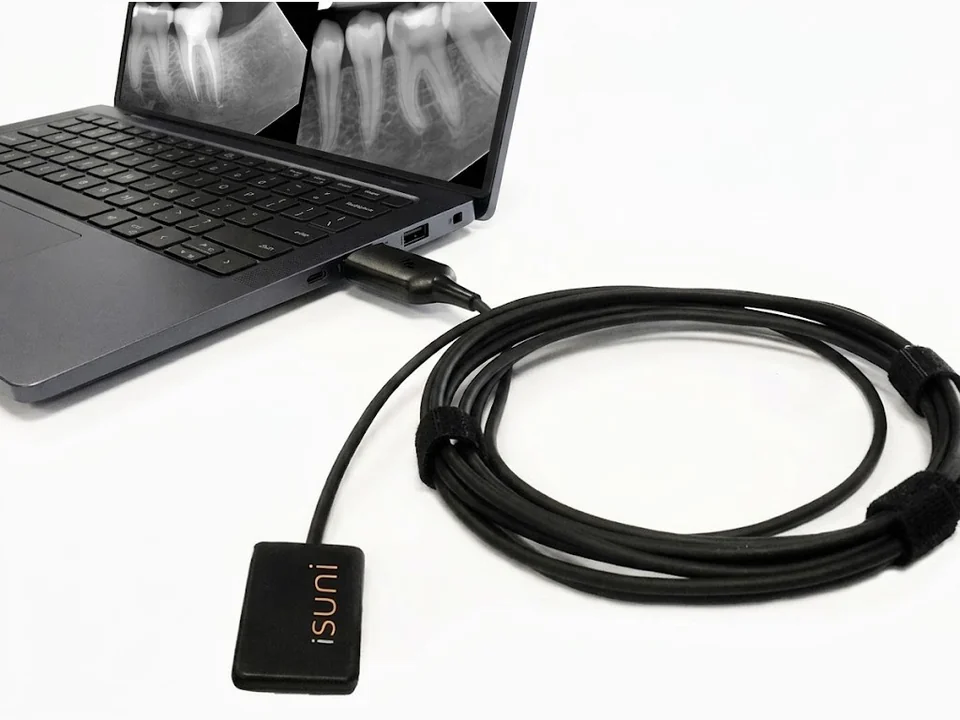
You look after the computers in dental clinics. iSuni keeps imaging simple to support: a standard TWAIN driver that works offline, a sensor with no box on its cable, published computer figures and remote installation.
A TWAIN driver that works offline
One iSuni TWAIN driver runs every intraoral sensor size and loads the calibration of sizes 0 to 2 automatically; a Size 4’s calibration is installed once, from its USB drive or a folder. It appears in the imaging program as a standard source, works without an internet connection, and works with 24 listed programs and many more.
No box on the cable
The sensor’s electronics sit in its USB-A plug: one 3 m cable, pull-tested to 100 N, straight into a USB 2.0 port. Nothing to mount under the desk.
Computer figures, published
A sensor needs a Windows computer with a free USB port. The scanners’ recommended computer is published to the line, below, so you can quote the right machine the first time.
Installed remotely, or by the clinic
Clinics can install it themselves in a few steps. One free remote installation session with a trained iSuni technician comes with each qualifying purchase, for up to 6 computers. Remote help is a visit the clinic books, allows and can end at any time.
Sensor, driver, imaging program
Straight to USB, through the iSuni TWAIN driver, into the imaging program the clinic already uses. Closed systems iSuni integrates with directly come first. The full compatibility list
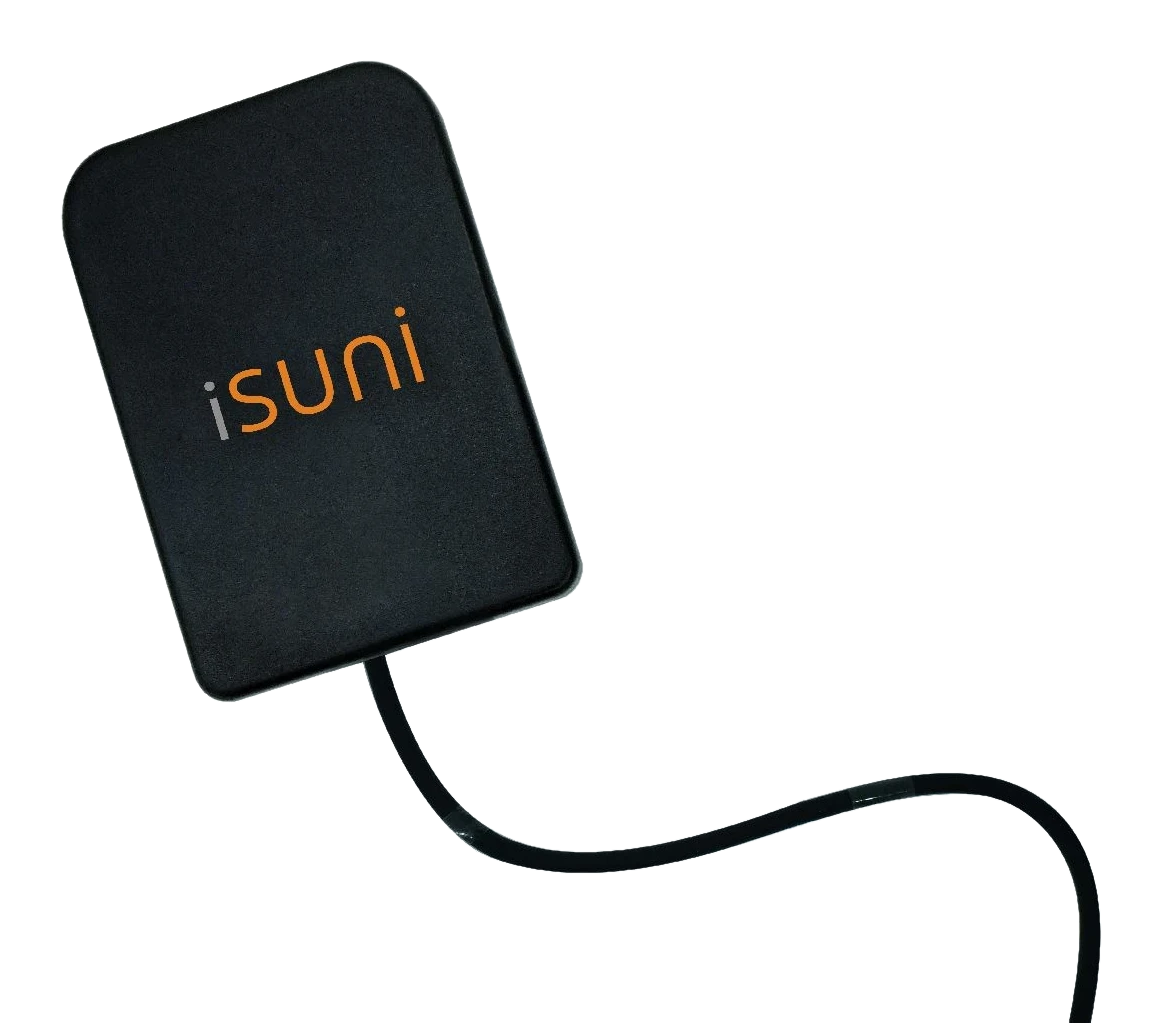 iSuni sensorDirect USB
 TWAIN driver
 Direct integration
- Direct integration
 Direct integration
 Direct integration
- Direct integration



















All third-party trademarks and logos shown are the property of their respective owners.
Recommended computer for the scanners
For the 2500-WD. The 1500-M mobile station has its computer built in.
- Processor
- Intel Core i7 or i9 (12th or 13th generation), or AMD Ryzen 7 5800H or better; 3.0 GHz base
- Graphics
- NVIDIA GeForce RTX 4060 or better
- Memory
- 32 GB minimum
- Display
- 1920 × 1080 or higher
- System
- Windows 10 or 11 (not macOS)
- USB
- A USB-C port, USB 3.0 or faster
When a clinic needs us
- Customer portal
- Downloads, the clinic’s approved driver release and support requests, in one place.
- Remote help
- A technician visit the clinic books, allows and can stop.
- A person to talk to
- Live chat Monday to Friday, 9 am to 5 pm Eastern.
Become a partner
Tell us about your firm and the clinics you look after, and we’ll reply about working together.
Thanks, we have it.
We’ll reply to with pricing and any compatibility notes.
Meanwhile: Browse products · Read the buyer guides