Ready for a quote?
Tell us about your practice and your lab, and we’ll reply with pricing and what’s included.

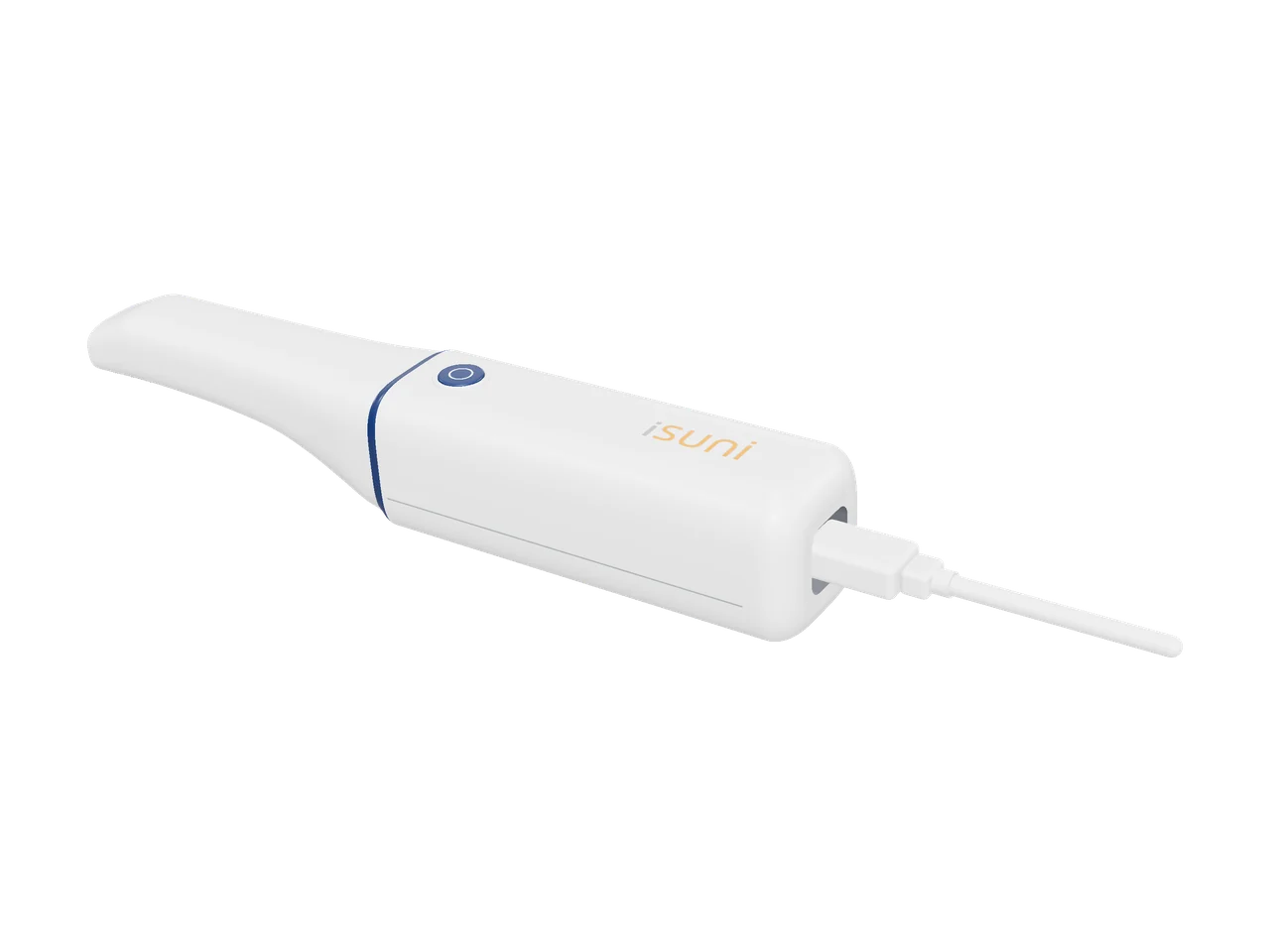
The iSuni 2500-WD captures teeth, edentulous arches, dentures and impressions, then sends each case to your lab through the cloud or as open STL, PLY or OBJ files. No subscription.
14-day money-back guarantee
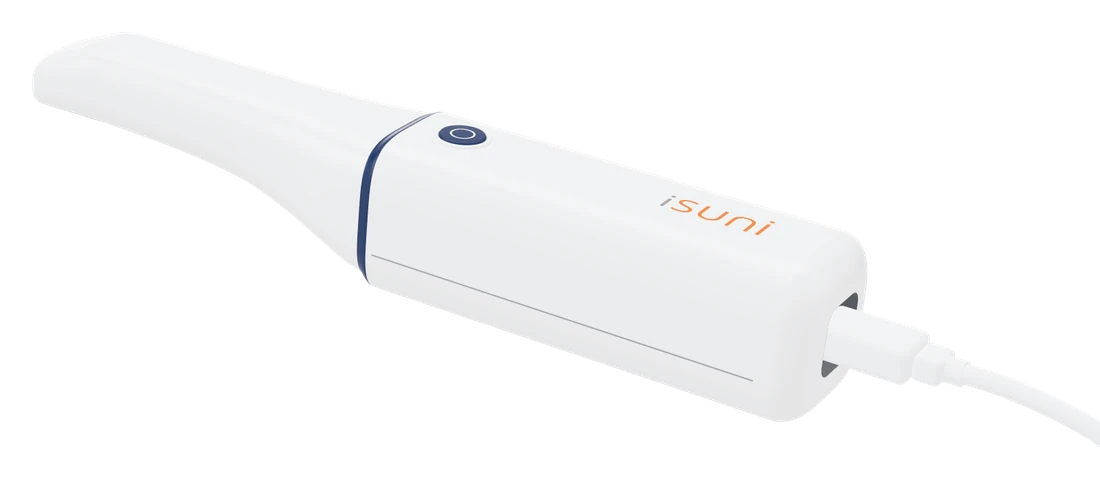
One handpiece for the scans in your denture work, in the same iSuni scanning software as every iSuni scanner.
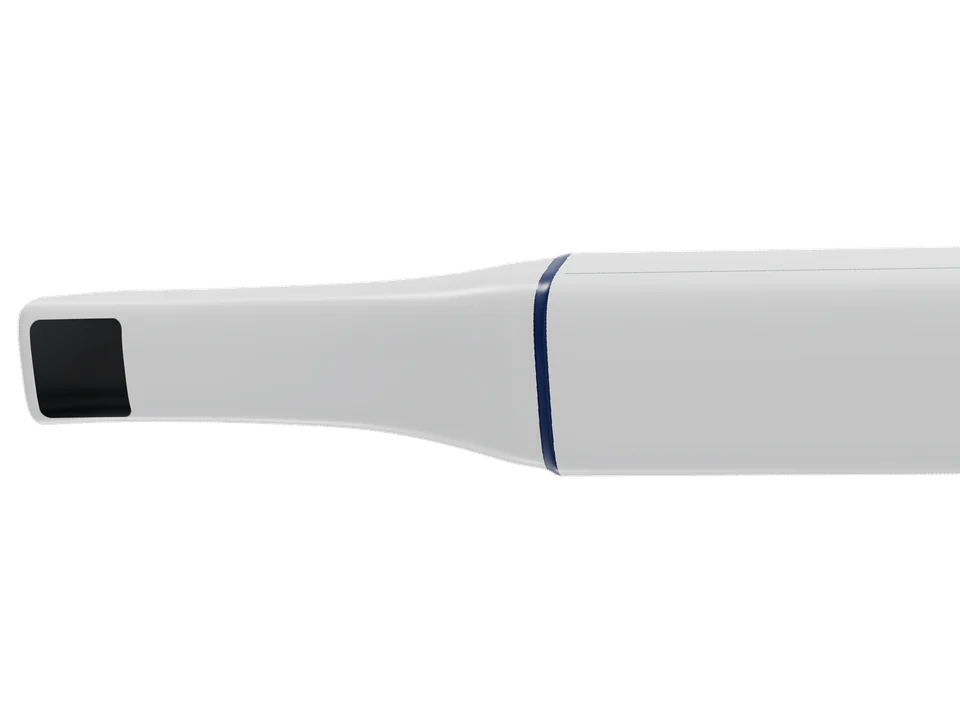
Laser projection adds clarity and depth: a 19 × 15 mm view, accurate to 20 µm on a single tooth.
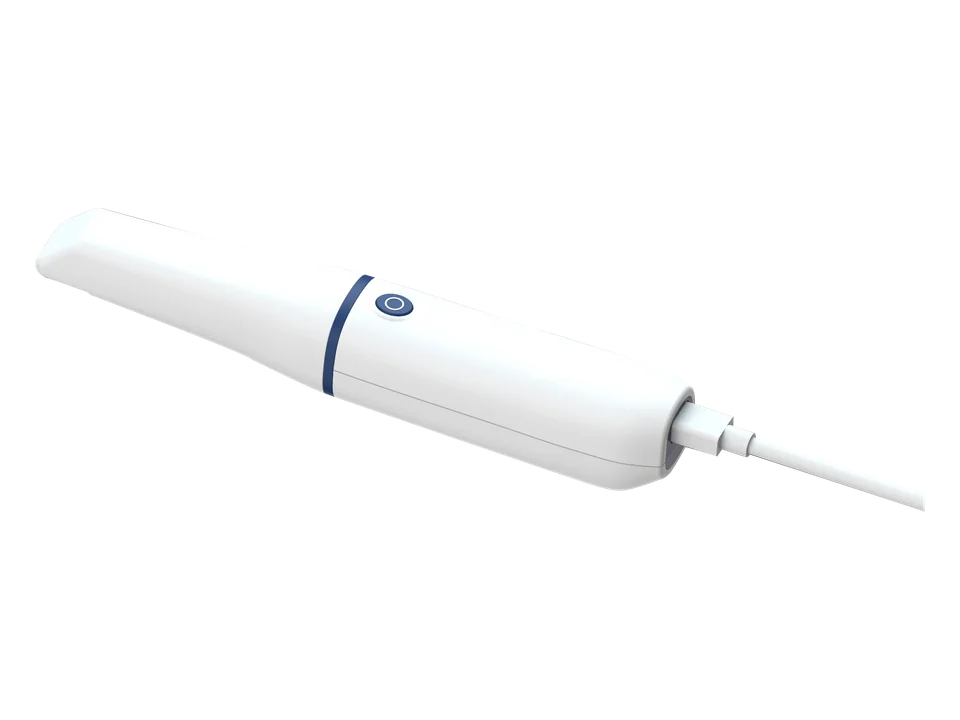
130 g and 195 mm long, on a single USB-C cable.
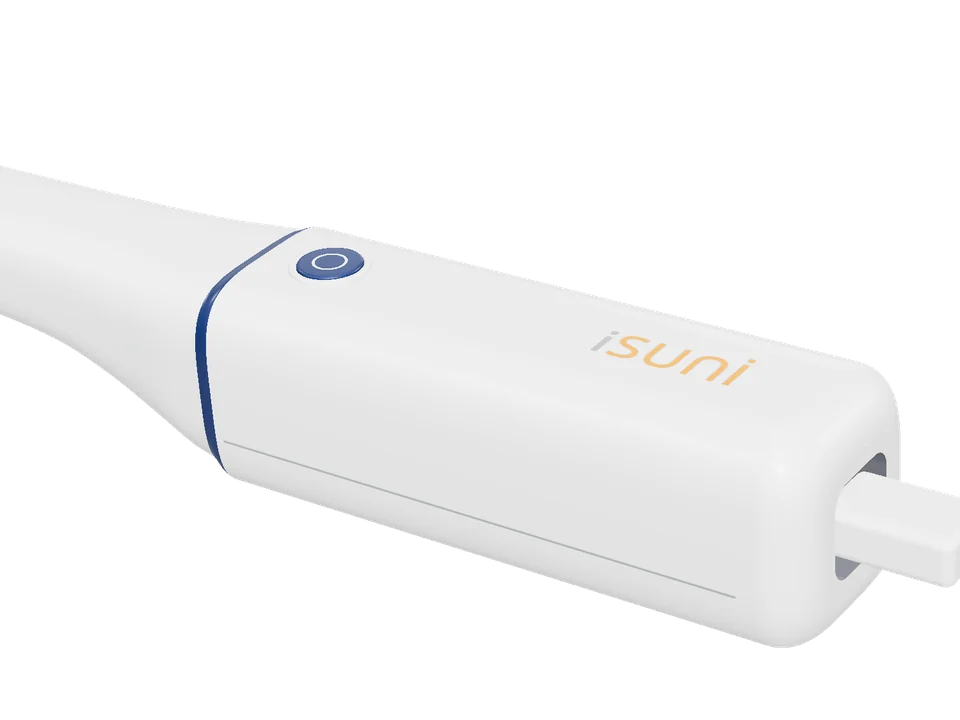
Hold it steady for two seconds and the scan starts by itself. A full arch takes about 35 seconds.
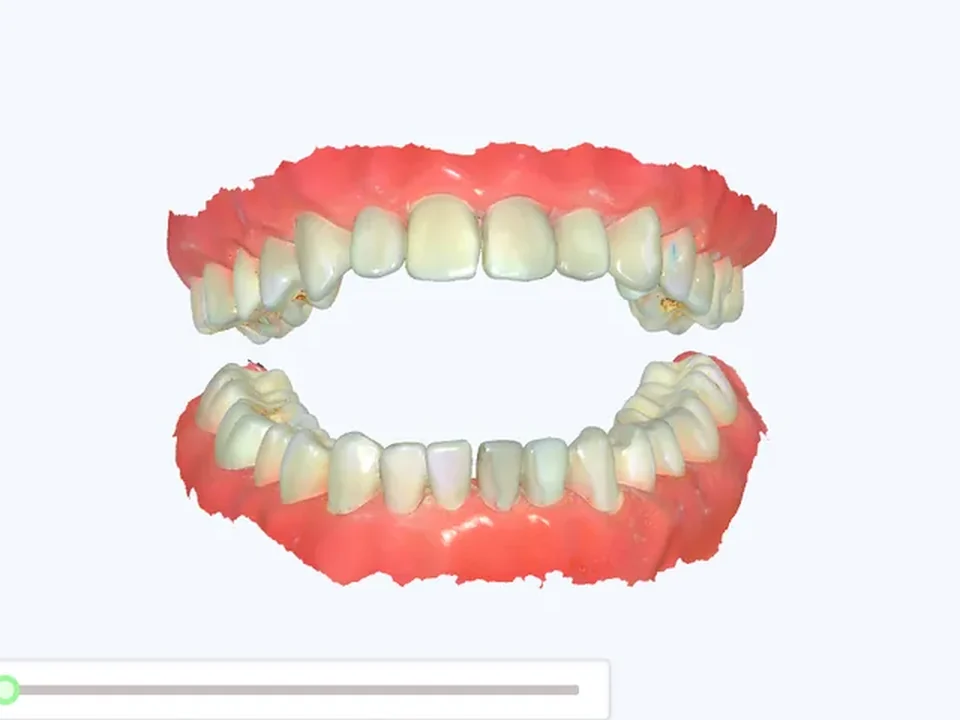
Send cases to your lab through the cloud, or export STL, PLY or OBJ.
Create the case, scan, check the bite, add a model base ready for printing, and send it. Each step, in the real software.
Start the case · Step 1 of 9
Sign in, create the patient, then pick the teeth, the restoration and its material. Every case, scan and lab order stays in the patient record.
Start the case · Step 2 of 9
On the 1500 shown here, hold the scanner button to open a menu on screen: move to the next or last step or take an HD photo, without touching the computer. The 2500-WD keeps to one button: press it, hold steady, and the scan starts by itself.
Scan · Step 3 of 9
Scan each arch while the live camera view and the 3D model show your coverage as you go.
Scan · Step 4 of 9
The software processes the scan, closes small gaps and builds the finished model. Then trim anything you don’t need.
Bite and base · Step 5 of 9
Open the aligned arches to see the contact areas, with a colour map of the bite and a cross-section at any point.
Bite and base · Step 6 of 9
Add a base to the arches in one step, ready for printing.
Check and send · Step 7 of 9
Mark a tooth and draw its margin line automatically, then adjust it point by point.
Check and send · Step 8 of 9
Colour-mapped undercuts for the insertion path, and distances measured on the model.
Check and send · Step 9 of 9
Choose your lab and send the case through the cloud with its order form, and follow the upload until it’s done. Or export STL, PLY or OBJ.
That’s the iSuni scanning software
From a new case to the lab, in nine steps.
Or pick any step to watch it again.
Send cases through the cloud, or export STL, PLY or OBJ for any lab or design software that accepts open files, including:











All third-party trademarks and logos shown are the property of their respective owners.
A Windows computer that meets these figures, or the 1500-M mobile station with its computer and touchscreen built in. See the mobile station
14day money-back guarantee
Use it on your own patients, in the imaging software you already have. If it isn’t right for your practice, return it within 14 days after installation for a refund.
Something else? Ask us.
Yes. It scans teeth, edentulous arches, dentures and impressions.
Yes. Send cases through the cloud from the scanning software, or export STL, PLY or OBJ files for any lab or design software that accepts open files.
Tell us about your practice and your lab, and we’ll reply with pricing and what’s included.
Accuracy, field of view, working distance, the handpiece and the whole iSuni scanner range compared.
Opening the chat…