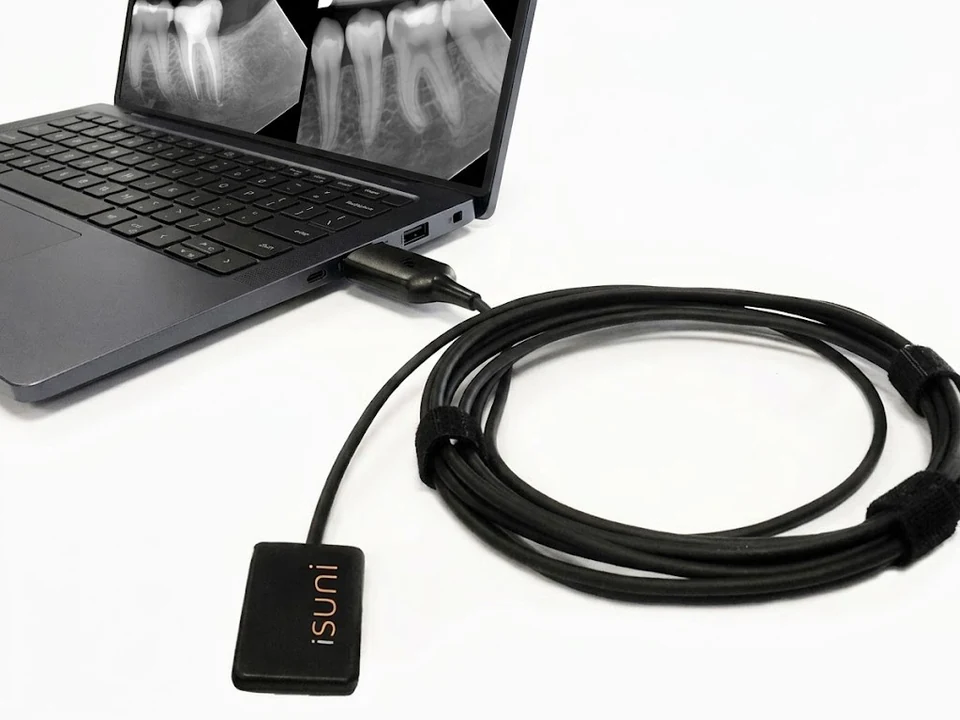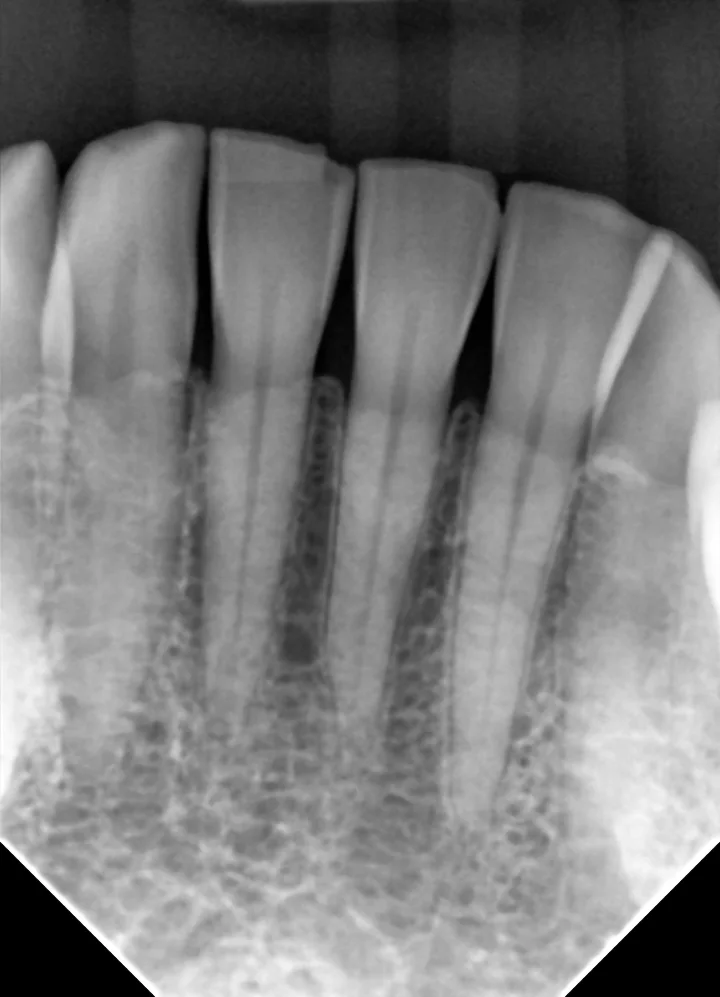
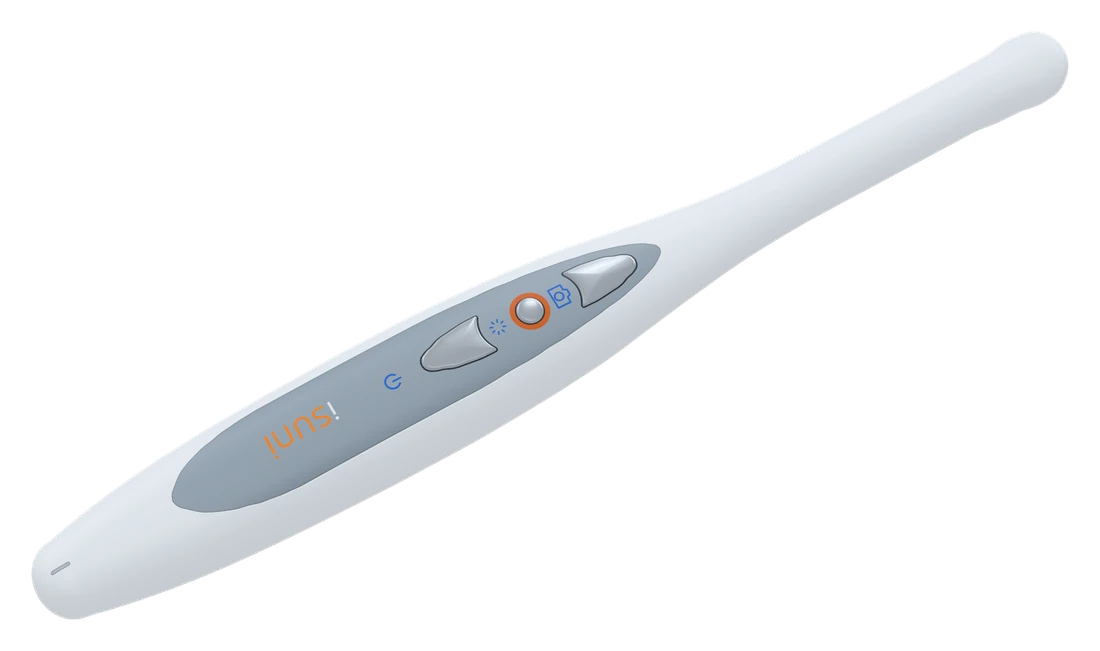
In short: look for autofocus, even lighting, a slim head, capture buttons that are easy to reach, and a camera that works in your imaging software. A detachable cable lets one camera serve several rooms.
Image quality: focus and light first
Resolution matters less than focus and lighting. A camera that refocuses as you move from a single tooth to a full smile saves fiddling at the chair, and even LED lighting avoids dark corners and glare. The iSuni C8 focuses automatically from 4 to 60 mm, captures 1280 × 720 images and lights the mouth with six LEDs at three levels.
Size and handling
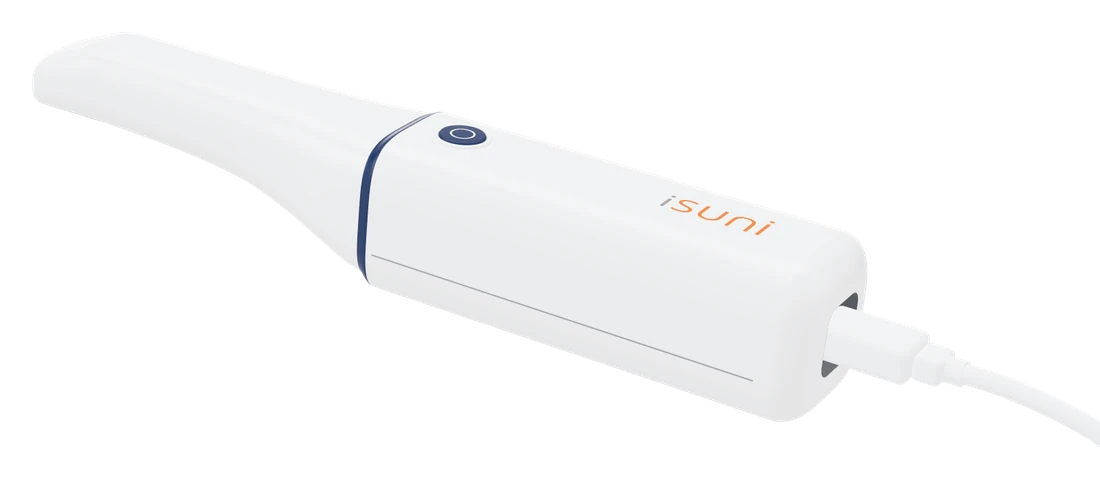
A slim head reaches molars comfortably; a light handpiece is easier to hold steady. The iSuni C8 has a 13.5 mm head and weighs 30.5 g.
Look at where the capture buttons are. On the C8 you can capture from the panel or from the back of the handpiece, so one finger reaches a button for both upper and lower teeth, and you can also use a foot pedal or the keyboard.
Software
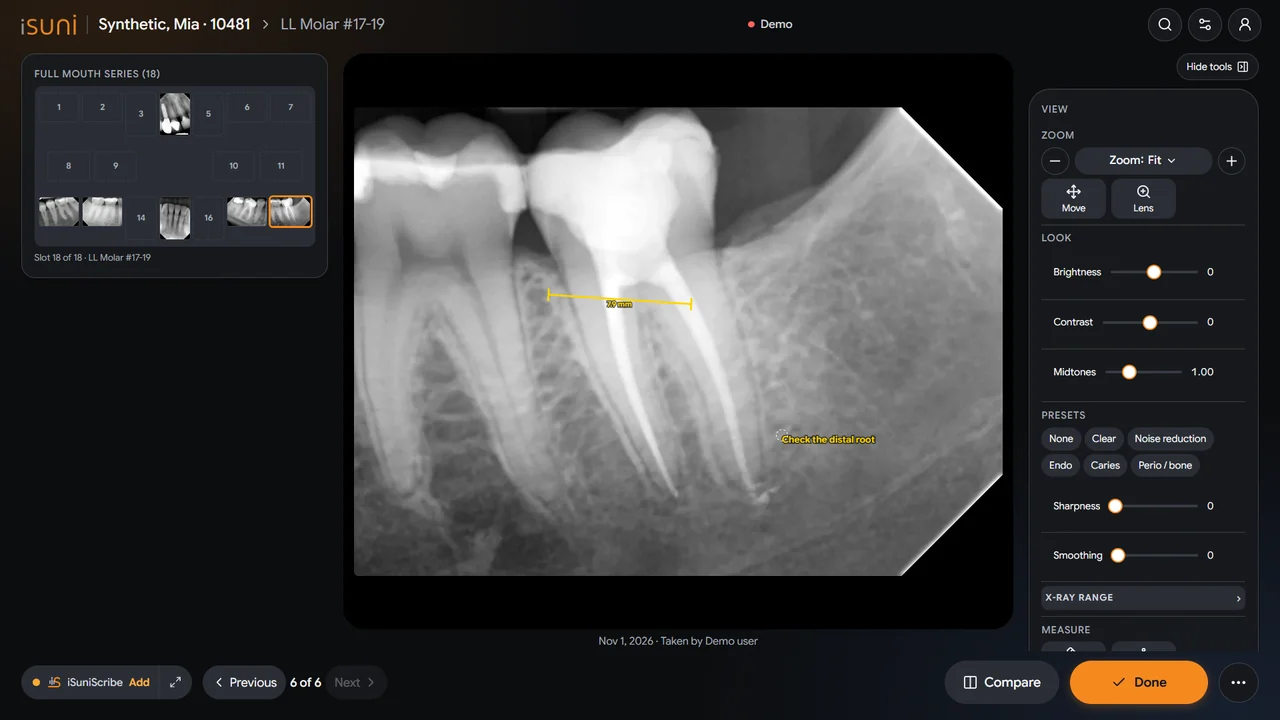
Photos should land in the patient’s chart, next to the X-rays. Check that the camera works in your imaging program. The iSuni C8 works through its TWAIN driver in Dentrix, Eaglesoft, Open Dental, DEXIS and any program that supports TWAIN, or in iSuni Imaging. See the compatibility list.
One camera, several rooms
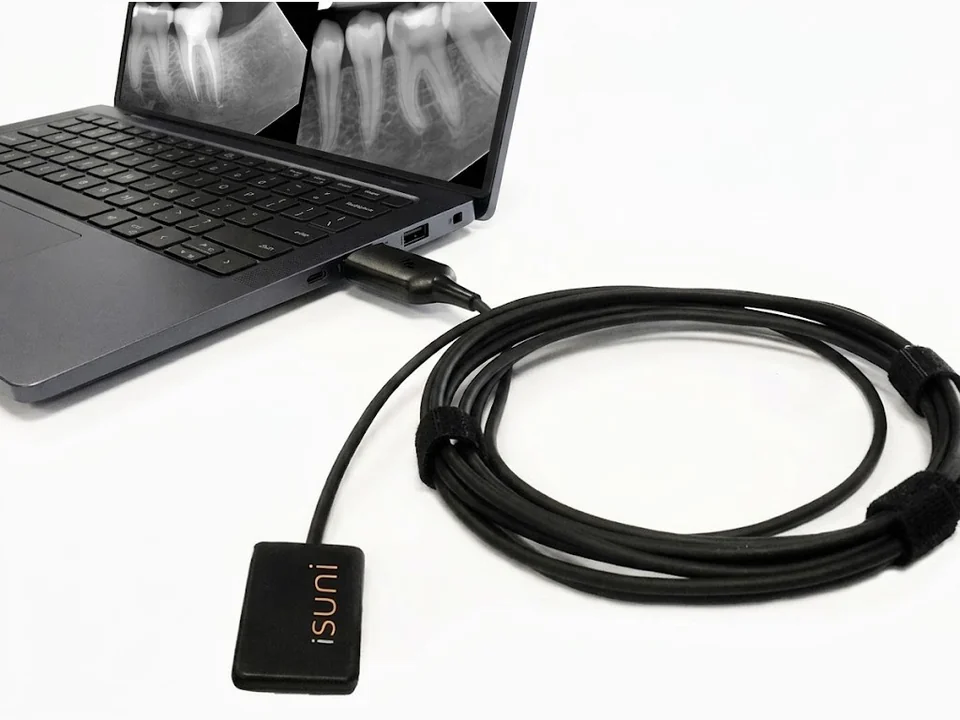
A fixed cable ties a camera to one computer. The C8’s USB cable detaches, so the camera moves between operatories and plugs into each computer.
Infection control and warranty
Use a disposable barrier sheath for every patient and follow the cleaning instructions for the handpiece. Ask how long the warranty is: iSuni cameras are covered for 12 months.
See the iSuni C8 in action.
Try its buttons and light on the C8 camera page, or ask for a quote.