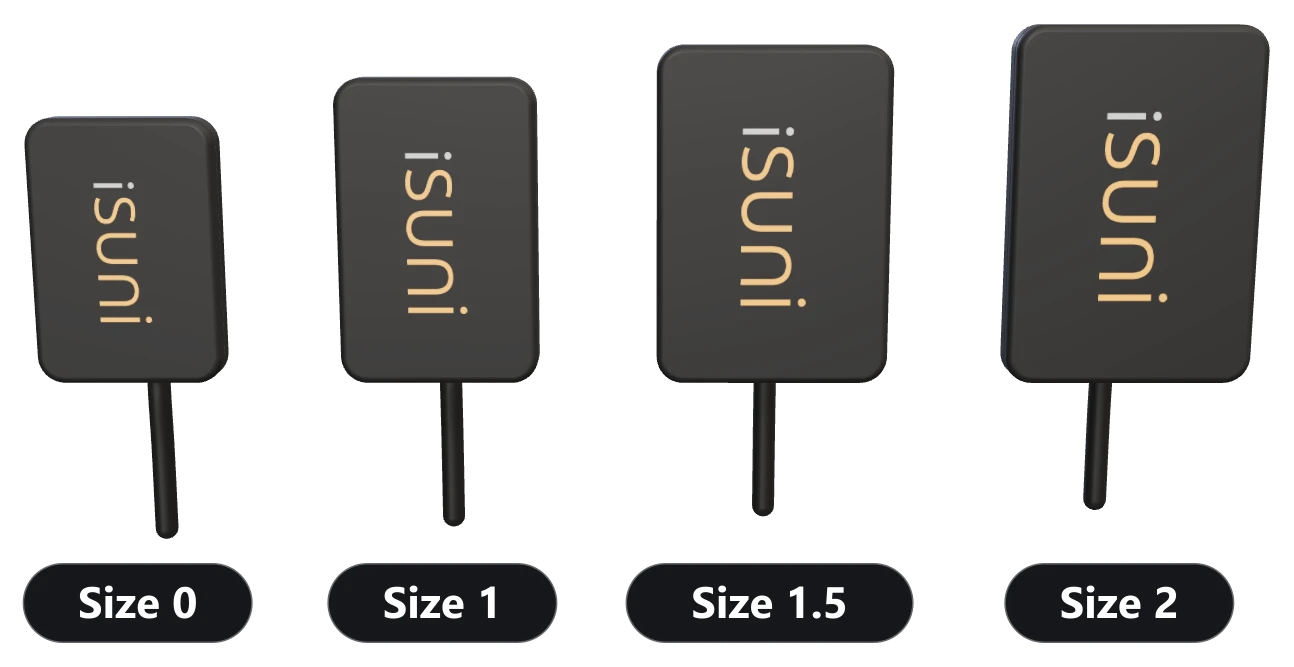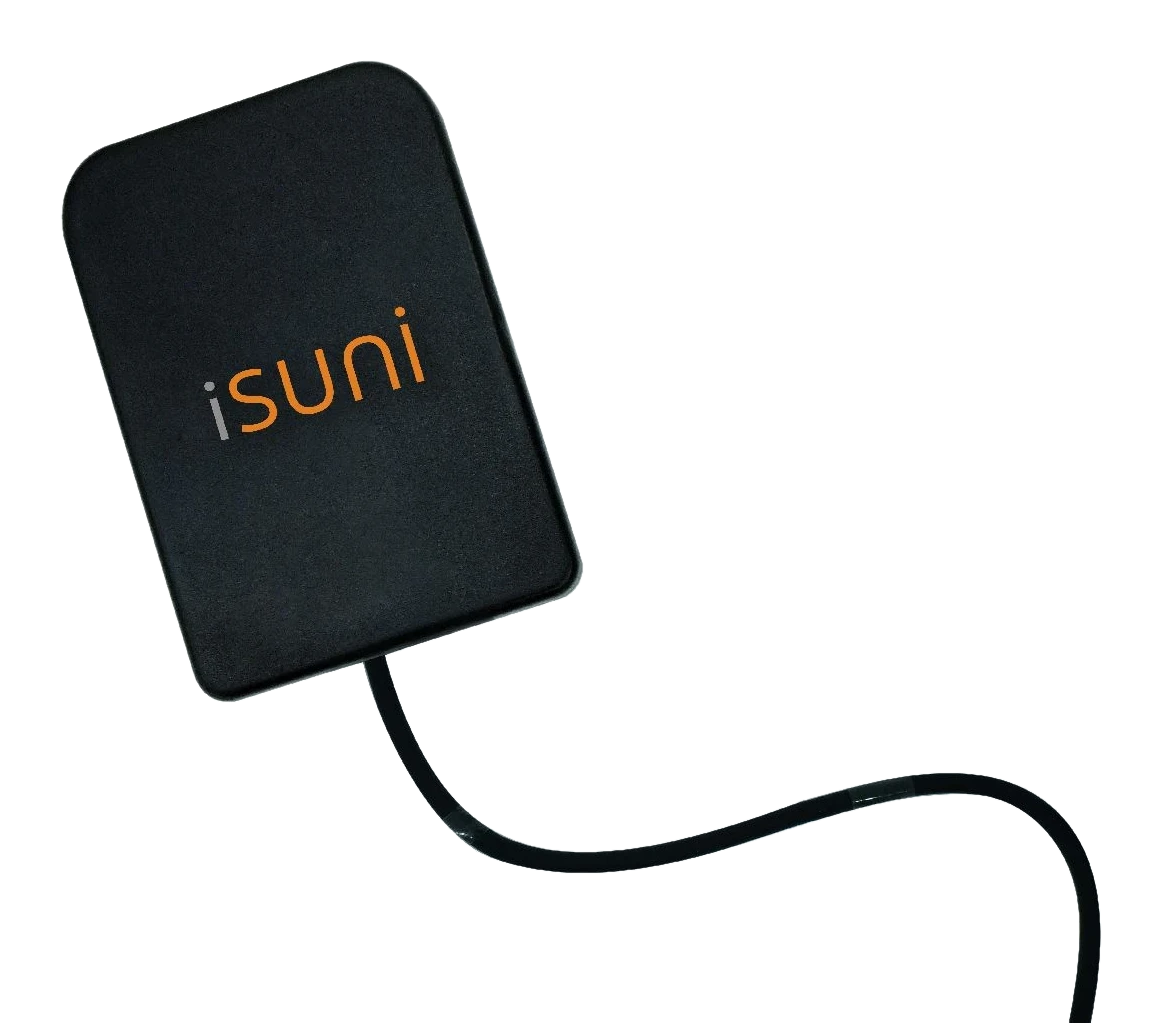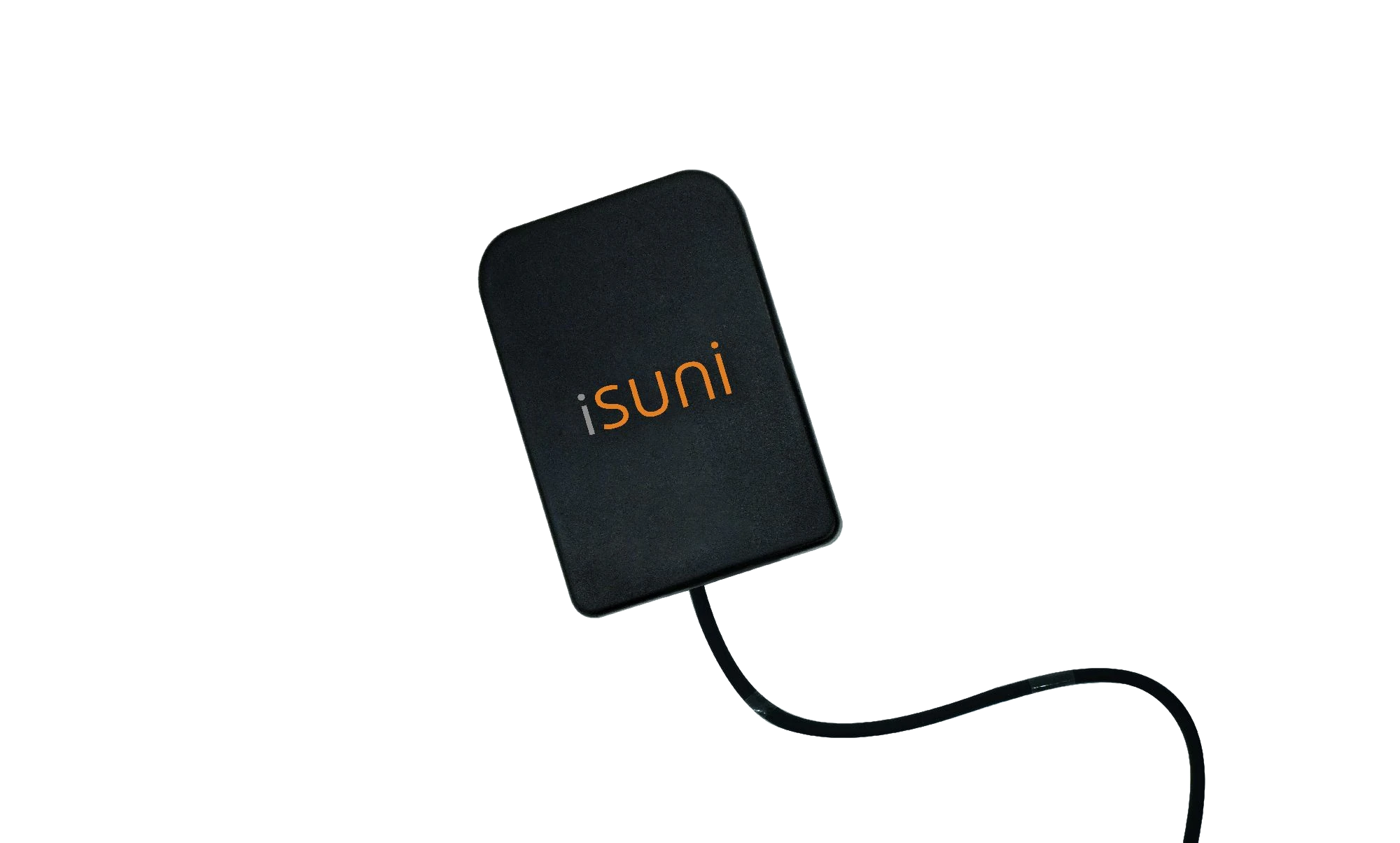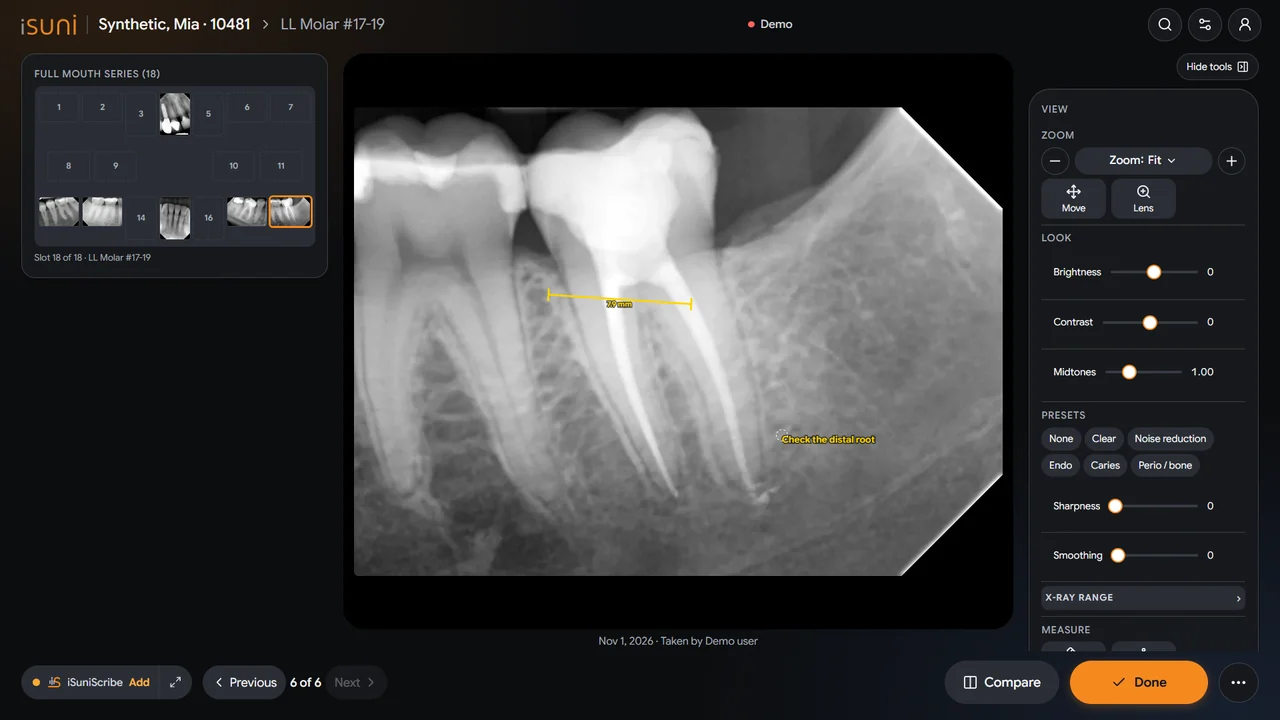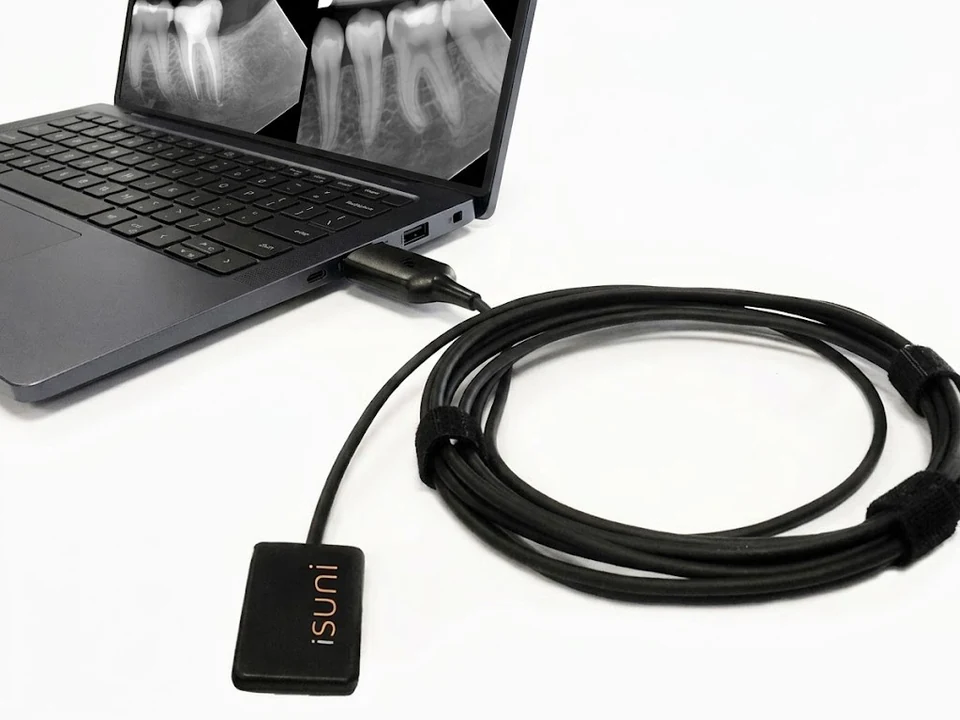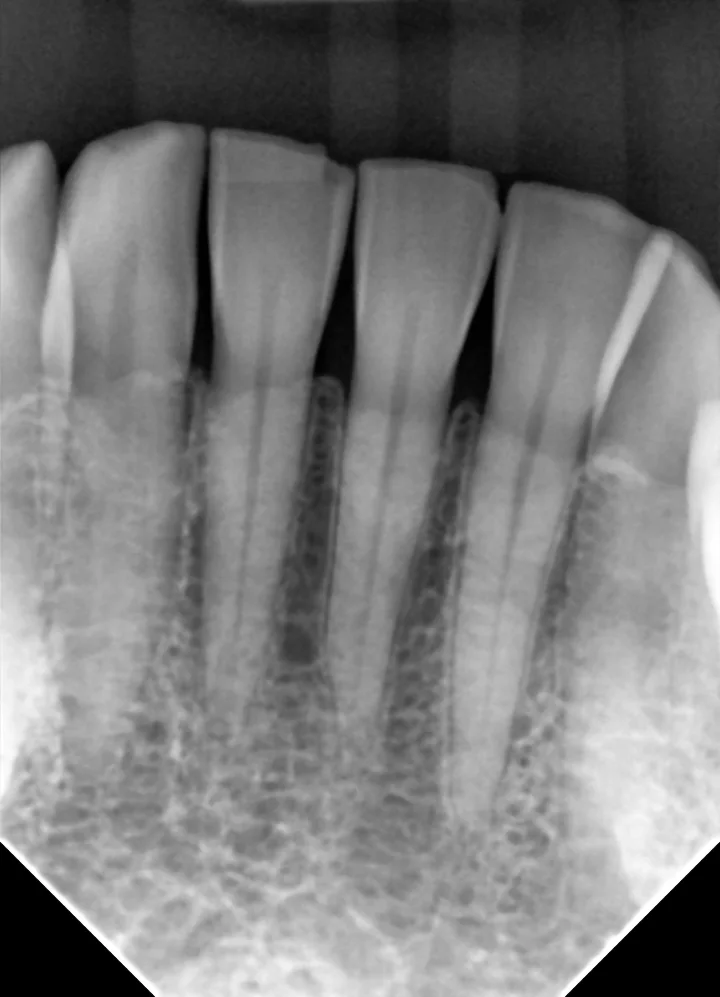
In short: the iSuni sensor connects to Dentrix, Eaglesoft, Open Dental and most other imaging programs through its TWAIN driver. You keep your software and your existing images; the sensor appears as a new image source.
How a sensor talks to your software
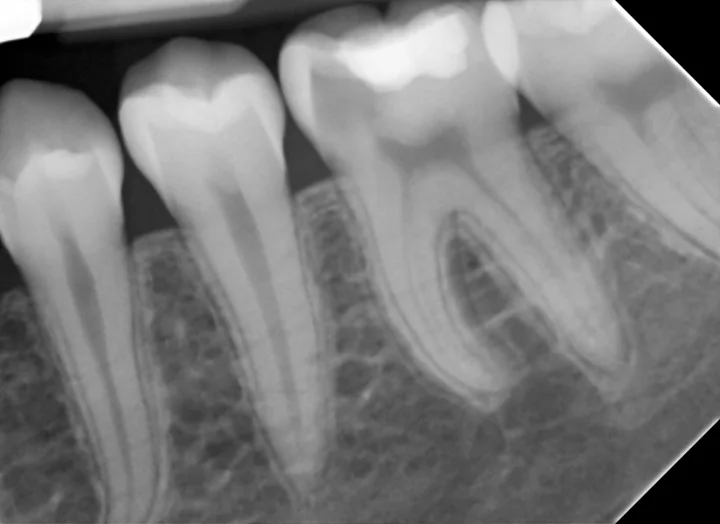
Imaging programs acquire X-rays through a driver. TWAIN is the standard that most dental imaging programs support: the sensor’s driver appears in the program as an image source, and an exposure lands in the patient’s chart like any other image.
The iSuni TWAIN driver shows up as “iSuni Intraoral Sensor”. It loads each sensor’s own calibration, applies the SuniVision™ imaging presets, and works without an internet connection.
Programs that work with iSuni
Direct integration with closed imaging systems
Closed imaging systems usually accept only their own sensors. iSuni connects to these directly:
DEXIS 9, DEXIS 10, Carestream Dental (Kodak), Sidexis 4, Schick CDR DICOM.
Every program that supports TWAIN
Dentrix, Eaglesoft, Open Dental, Curve Dental, ClearDent, DentiMax, VixWin, ADSTRA, Planmeca Romexis, Apteryx XrayVision, TigerView, Centaur Media Suite, Akitu One, Apixia, CADI, EVAsoft, EzDent-i, Oryx, XDR, and any other program that acquires from a 32-bit TWAIN source.
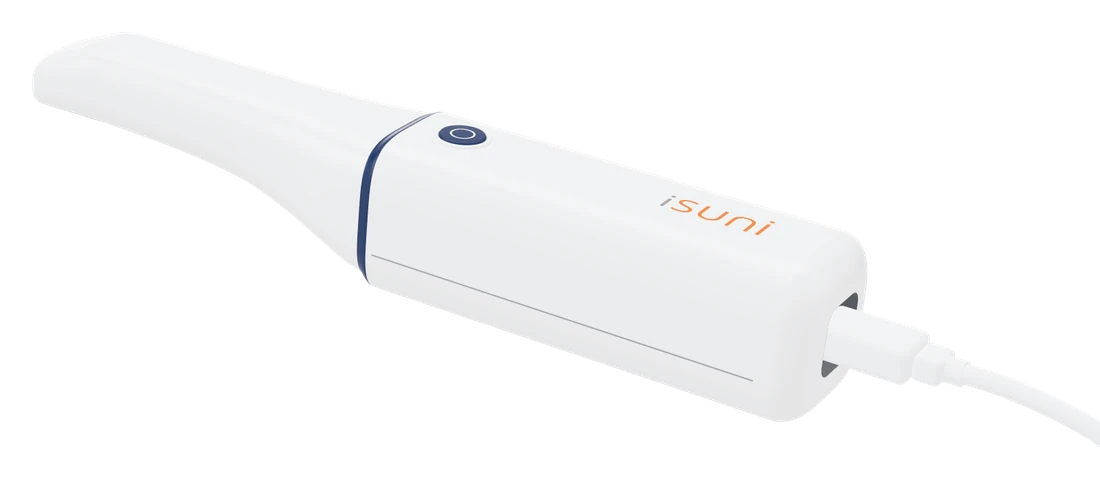
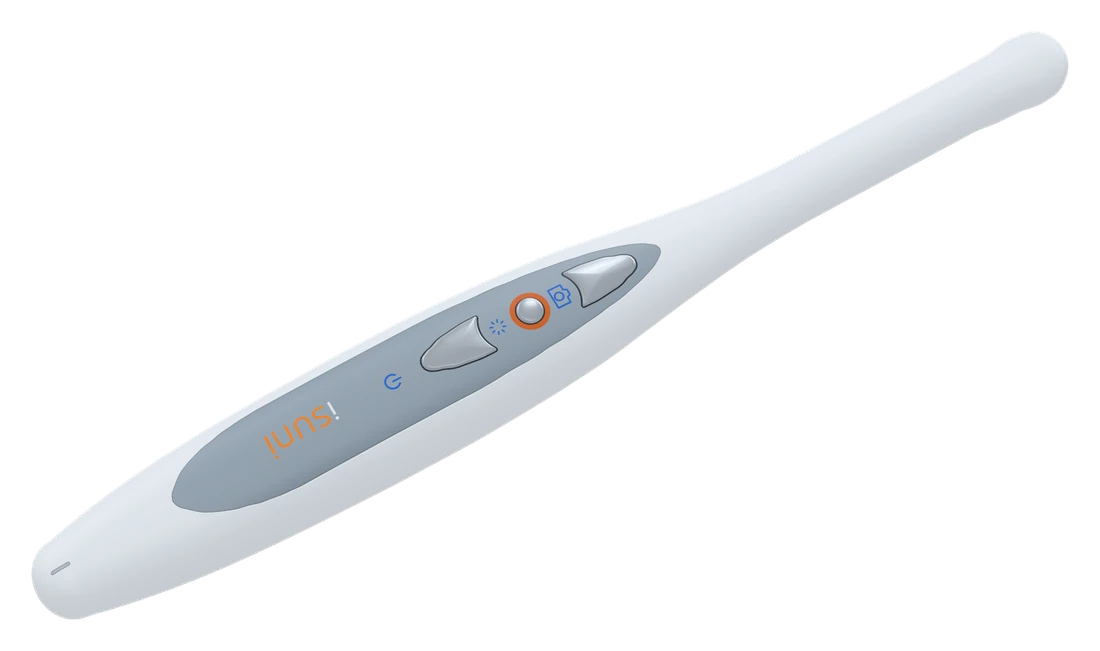
The full list, with the iSuni intraoral camera as well, is on the compatibility page.
Before you buy: what to check
- Your program and version. Note the exact version of your imaging module. If it isn’t on our list, send it through the compatibility check and we’ll confirm it first.
- Your computers. The sensor and driver run on Windows computers with a free USB port. The electronics sit in the sensor’s USB plug, so there is no separate box to place.
- How many operatories. One sensor can move between rooms; the driver goes on each computer that takes X-rays.
Installation day
You can set it up yourself, or use the free remote installation session that comes with each qualifying purchase: a trained iSuni technician connects remotely, installs the driver on up to six computers, sets the iSuni sensor as the acquisition source in your imaging program, and makes sure it works with everything your clinic needs. It works right away: you take the first images together.
Moving from another sensor
Your existing X-rays stay in your imaging program. The new sensor is added as another source, so older images and new ones sit side by side in each chart. You can try it for 14 days with a money-back guarantee.
Not sure about your software?
Tell us the program and version on the compatibility check, and we’ll confirm it works before you buy.